IT security, Identity, Incident response
Your backup provider holds a master key
Before you sign a SaaS or MSP contract, you should know who holds the credential the service uses to get into your Entra ID tenant, and whether you can revoke it without the vendor's help. ConnectWise Cloud Backup (formerly SkyKick) and BeyondTrust show why a patch does not answer that question.
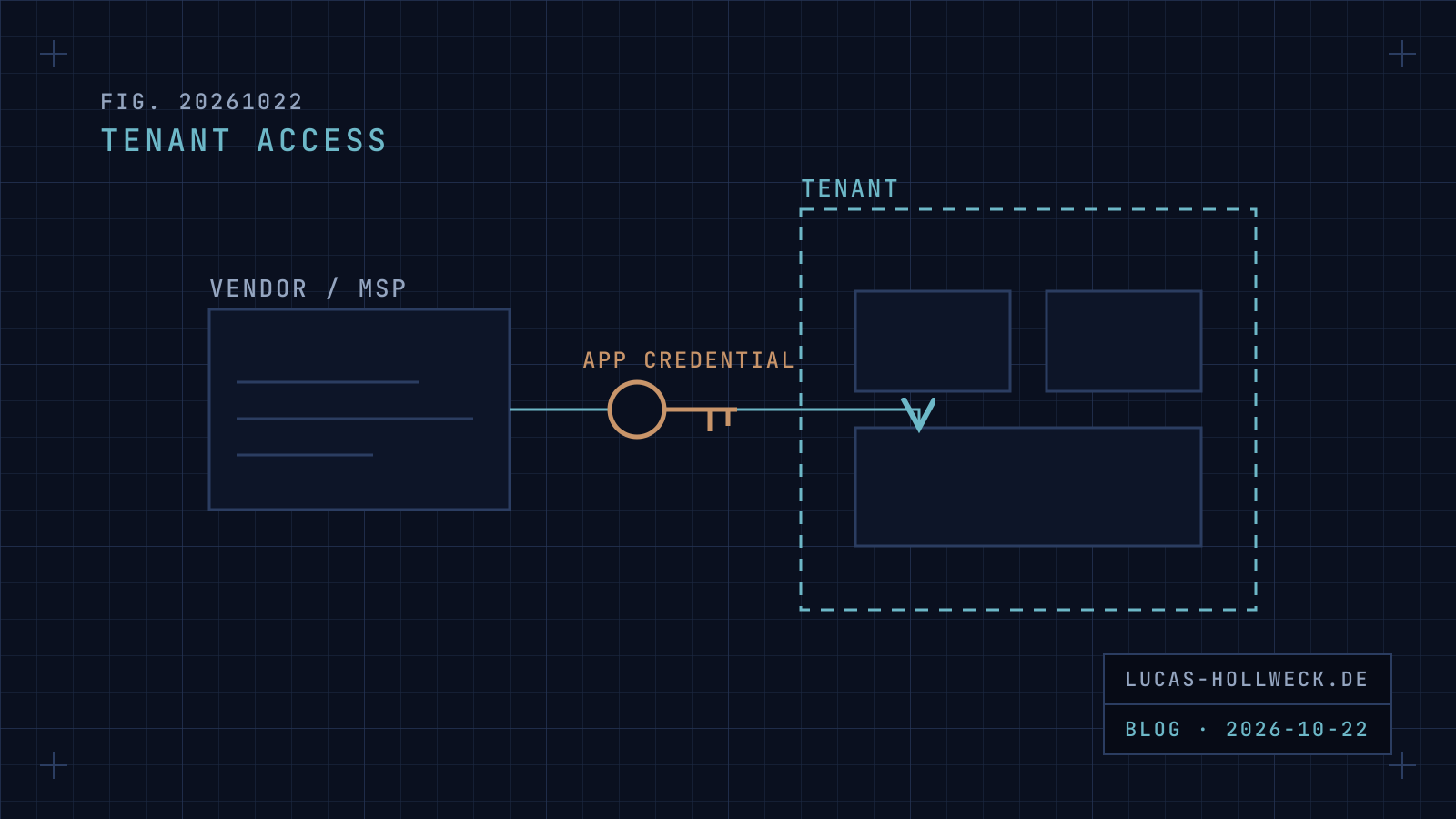
A perfectly ordinary case: your IT service provider offers a backup for Microsoft 365, run by a vendor you only know from the quote. For the service to work at all, an administrator in your tenant consents to a third-party application. That consent creates an enterprise app in Entra ID, and it comes with application permissions. Apps like this run without a signed-in user, which means without a password and without MFA. With a multi-tenant app, the credential it uses to identify itself is not held by you but by the vendor.
So before I sign a contract like that, the first thing I want to know is who holds that credential and whether I can revoke it myself. How quickly the vendor patches comes second.
One way in that works in every tenant at once
ConnectWise Cloud Backup, formerly SkyKick, is exactly that kind of app. Sophos describes what follows from that: whoever has the credential can request the same tokens in every tenant that has consented. According to Huntress, the abused credential sat in the vendor’s tenant. No setting in their own environment would have let a customer prevent its abuse.
On the morning of 15 October, an attacker started using it to collect Graph tokens, one tenant after another. By 17 October, Huntress saw sign-in activity in almost 1,000 tenants in its own telemetry, more than 300 of them successful. In some tenants, a second ConnectWise app also made itself Global Administrator and set new secrets on other apps. Huntress leaves open whether the same actor is behind that.
Microsoft assesses that Storm-0940 was behind the attack on ConnectWise, a group Microsoft considers close to the Chinese state. According to Microsoft, it used ARTEX, a freely available framework in which AI agents work through an attack largely on their own. These agents tried to sign in to more than 2,250 tenants. Those are attempts, not successes, so the number does not replace the one from Huntress.
ConnectWise revoked certificates and disabled seven app identities on 17 October. Its Trust Center also states, however, that this does not roll back anything that was already changed in the tenant. A new credential removes neither a credential the attacker created nor a role or a consent. So the vendor shuts the door the attacker came in through. Cleaning up what happened inside is left to each customer. After resetting all accounts and credentials, ConnectWise has been bringing the suspended services back step by step since 21 October, over several days. As of the update from 22 October, 2:45 a.m. CEST, the connections stay disabled until there is guidance for the service in question.
The same question for the appliance
At first glance, BeyondTrust Remote Support looks different, because here the credentials sit with the customer, in the appliance’s vault. Through CVE-2026-102764, attackers could perform file operations on the device without logging in. CISA added the vulnerability to the KEV catalog on 16 October.
Mandiant reports that the actor got root on the host and with it every credential the appliance had stored or brokered. Its persistence survives a reboot and a configuration reset. The update closes the vulnerability, but it does not clean up an earlier compromise. That is why Mandiant and CISA recommend rebuilding the appliance and only then rotating all credentials. The vendor advisory BT26-05 was not available at the time of writing, so this section relies on the CVE record, KEV, CISA, and Mandiant.
The credential does sit with the customer here, but on a host they cannot look into. The only way to revoke it is to reset it on every single target system.
What I want to check before signing, and have in the contract
First, I go through every enterprise app with application permissions. For each app that belongs to a service provider, I want to know whether its secret sits with the vendor or in a registration I manage myself.
When it comes to responding to an incident, the recommendations seem to contradict each other. ConnectWise and Huntress say: disable the app, do not delete it, so that the traces and the option to resume the service later are preserved. Sophos recommends removing the consent. The two fit together: first preserve and disable, then revoke the consent once the review is done. That is exactly the path the contract should describe, including an answer to what then happens to the stored backups.
It also needs a duty to notify within a set deadline, one that reaches me directly. ConnectWise says it discovered the incident on 14 October, the first advisory came out on 16 October, and the resellers are expected to pass the notices on to end customers themselves. If you sit at the very bottom of a chain like that, in the worst case you are the last to find out.
How little time that leaves is also in the Microsoft report: in several Storm-0940 attacks, less than three hours passed between picking the target and gaining privileged access to its cloud. Entra ID, on the other hand, keeps sign-in and audit logs for only seven days on the free tier, and 30 with P1 or P2. My conclusion: if you only hear about an incident through the reseller, the traces may already be gone. So I would export the logs continuously and keep them longer than the license provides for.
Before we sign, it has to be settled who holds the credential the service provider uses to get into our Microsoft 365 tenant, how we can revoke it without their help, and within what deadline they notify us if it is compromised.
Which enterprise app with application permissions in your tenant could you switch off yourself, and for how many of them do you know who holds the credential?